Get India's Best Internet Connection
- Get New Connection
- Recharge
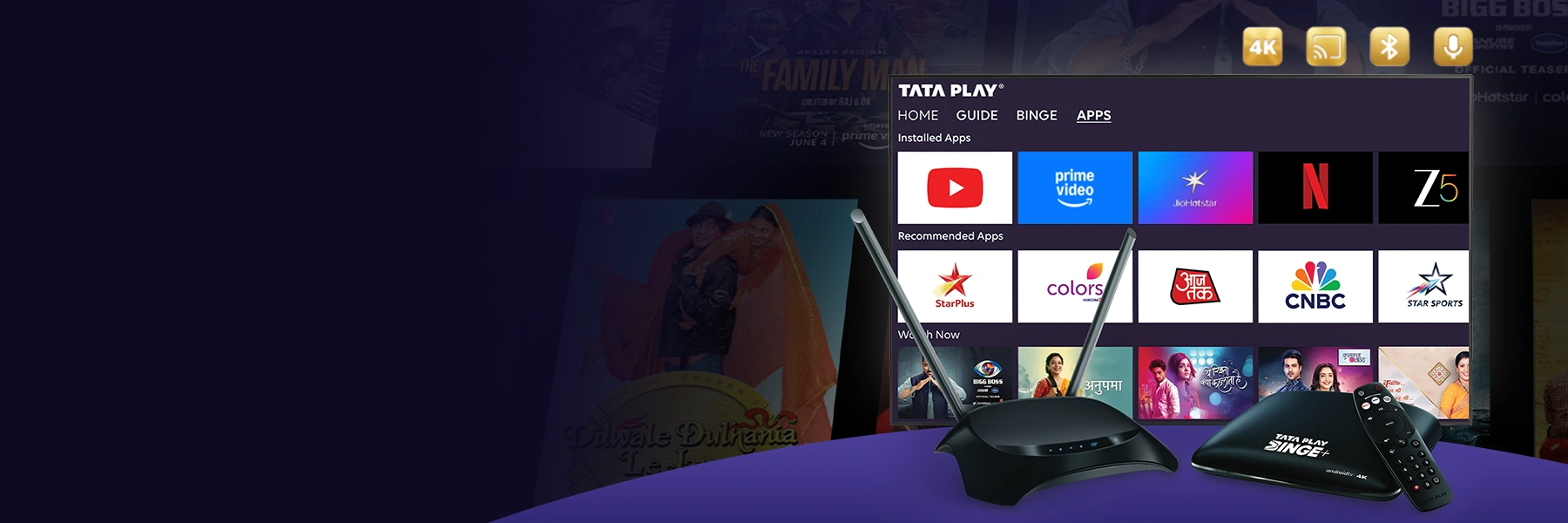
Tata Play Binge+ is a 4K Android smart set-top box that brings Live TV and 30+ OTT apps together in one box. With Android TV inside, voice search remote, built-in Chromecast, and access to the Google Play Store, it lets you make any TV smart no HDMI switching required.
Why you will love it

For Non-Smart TV Users
this Android box effectively upgrades non-smart TV into a smart entertainment center, seamlessly switch between DTH channels and OTT apps.

4K + Smooth Streaming
4K capable with recommended 100 Mbps for best results. Experience crystal-clear picture quality and seamless streaming.

Smart Features
Chromecast, Google voice search & Bluetooth remote. Control your entertainment with your voice and cast from your devices.

No Extra Device Purchase
Works with any regular HDMI TV. No need to buy expensive smart TVs or additional streaming devices.
How Binge Box Plus Works

Plug into your TV (HDMI)
Connect the Binge+ Android Box to your TV using the HDMI cable and power it on.

Connect to your internet
Pair the device to your Tata Play Fiber Wi-Fi for best performance.

Watch OTT + Live TV together
Access your favorite OTT apps and Live TV channels seamlessly from one interface.
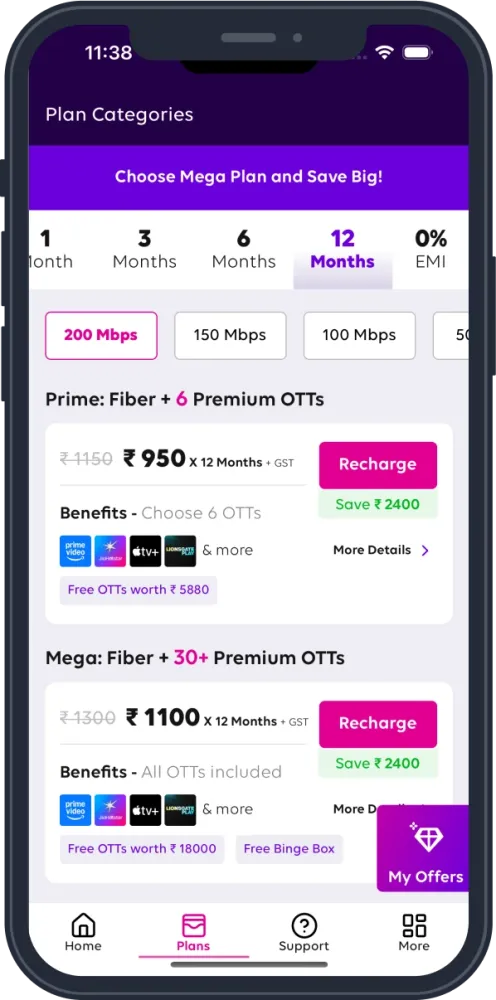
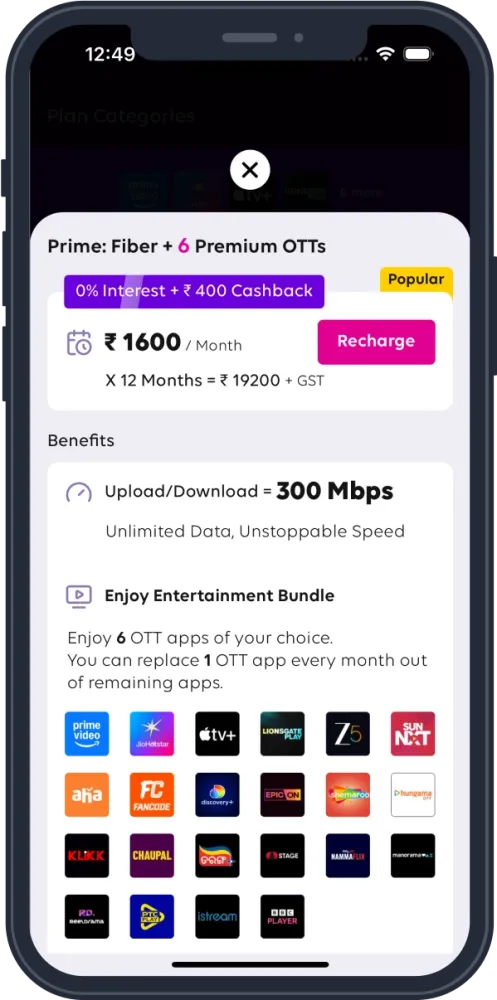
Best Unlimited Plans for you

₹ 850 / Month
X 3 Months = ₹ 2550

100 Mbps
Unlimited Data, Unstoppable Speed

OTTs - Any 4


Channels - 200+

₹ 1100 / Month
X 3 Months = ₹ 3300
200 Mbps
Unlimited Data, Unstoppable Speed
OTTs - Any 6
Channels - 200+
₹ 3900 / Month
X 6 Months = ₹ 23400
1 Gbps
Unlimited Data, Unstoppable Speed
OTTs - ALL
Channels - 200+
Frequently Asked Questions
It is a smart set-top box that, once connected to a TV, allows subscribers to watch both traditional TV channels and OTT content on a single device. When connected to the internet, users can seamlessly swIt is a smart set-top box that, once connected to a TV, allows subscribers to watch both traditional TV channels and OTT content on a single device. When connected to the internet, users can seamlessly switch between traditional TV channels and OTT apps without changing HDMI ports.
- Customers who are currently subscribed or newly subscribing to Lite, Prime, or Mega plans with 3M, 6M, or 12M validity are eligible.
- Lite and Prime users must first complete the selection of 4 and 6 OTT apps respectively to qualify for the offer.
However, customers who have already availed a box earlier through Tata Play Fiber, or users who have availed the free to use box offer earlier or existing Tata Play customers who already have four Android boxes on their Tata Play account, will not be eligible.
No, simply connect the Binge+ box to your regular TV (HDMI port needed) and enjoy a complete Smart TV experience.
No. The box is provided free to use, with no additional charges.
Yes, installation of a dish antenna is required.
Yes, a home Wi-Fi connection is needed for streaming OTT content.
For smooth streaming, 4K playback (where supported), and lag-free casting, a minimum 100Mbps plan is recommended.
Once your Fiber plan is activated, our team will contact you to schedule installation, typically within 24–48 hours.
Free apps can be downloaded at no cost.
Paid OTT services require separate subscriptions unless bundled under Tata Play Fiber packs.
YouTube and Netflix apps can be installed on the Binge Box. However, subscriptions to these services are not included. Customers who wish to watch content on these apps can subscribe directly from the open market, which is typically more economical compared to bundled subscriptions offered by operators as part of their plans.
Customers subscribing to eligible Tata Play Fiber plans (Lite, Prime, or Mega with 3, 6, or 12 months validity) can get the Binge+ box. While activation requires Fiber, the box works with any internet connection after installation.
The box allows access to OTT apps, but paid subscriptions are not automatically included. Users must subscribe separately unless OTT services are bundled with their Tata Play Fiber plan. Free apps, however, can be downloaded without additional cost.
Installation is usually scheduled within 24 to 48 hours after the Tata Play Fiber plan is activated. The company contacts customers to arrange a convenient installation time following successful booking and plan activation.
Yes, the Binge+ box supports apps like YouTube and Netflix, which can be installed via the platform. However, users need to purchase separate subscriptions for these services to access their content.